

From messages and ideas to your family calendar.
Plans from group chats, a thought on a walk, or a phone call. Share a flyer or say the details, then check and add the plan to your family calendar.
 WeePlanner
From a group chat On the go? Just say it
Hover over a phone to play it · Illustrated demo · Sample family
Family plans come
from everywhere.
- Messages & group chats
- Ideas & phone calls
- Photos & PDFs
Share it.See it.Do it.
A plan arrives, it lands in your family’s calendar, and it reminds you when it’s time.
-
1Share it.
Got a plan in a message, email, PDF or photo? Share it straight to WeePlanner. Keep the original in view while you review and add the details.
Your flyers stay with the plan. WeePlanner helps fill in the details when it can.
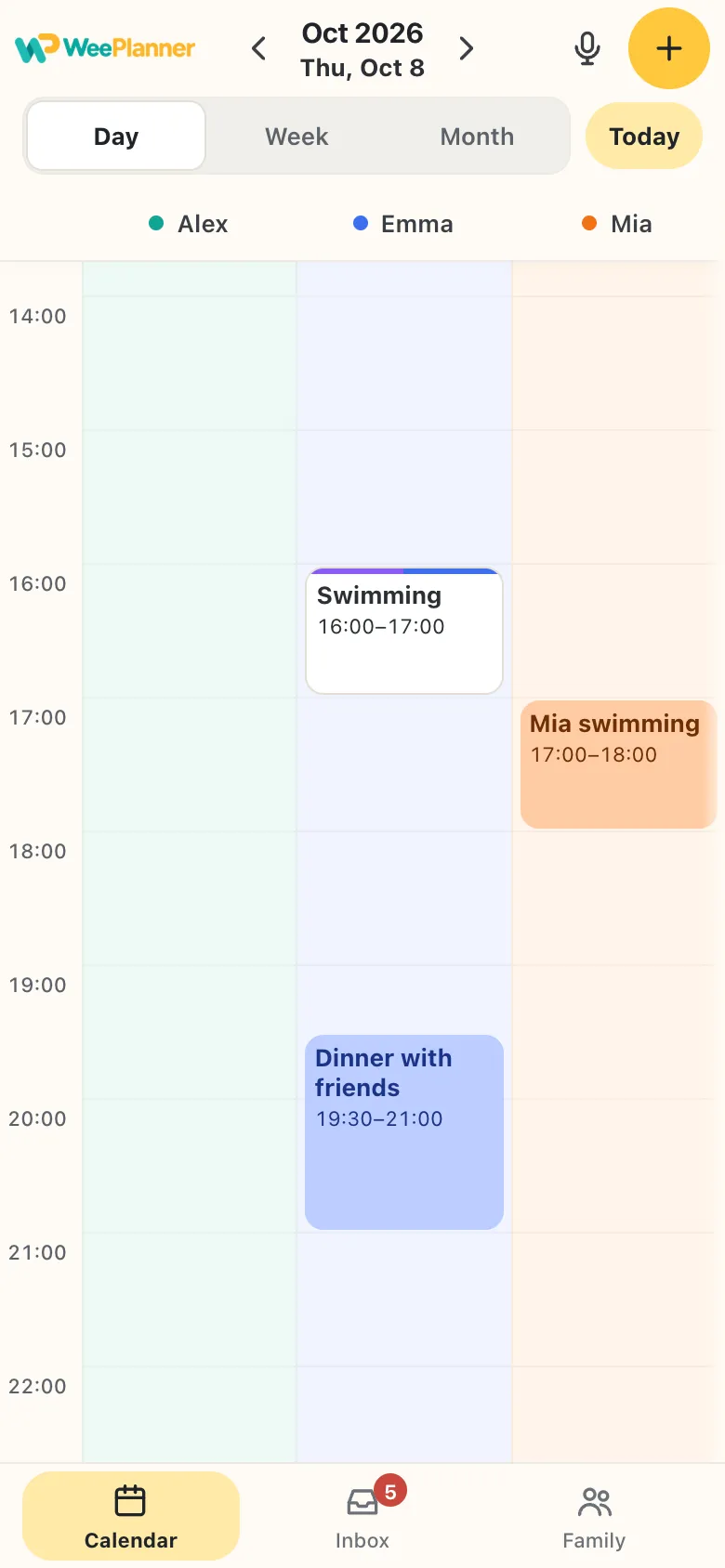
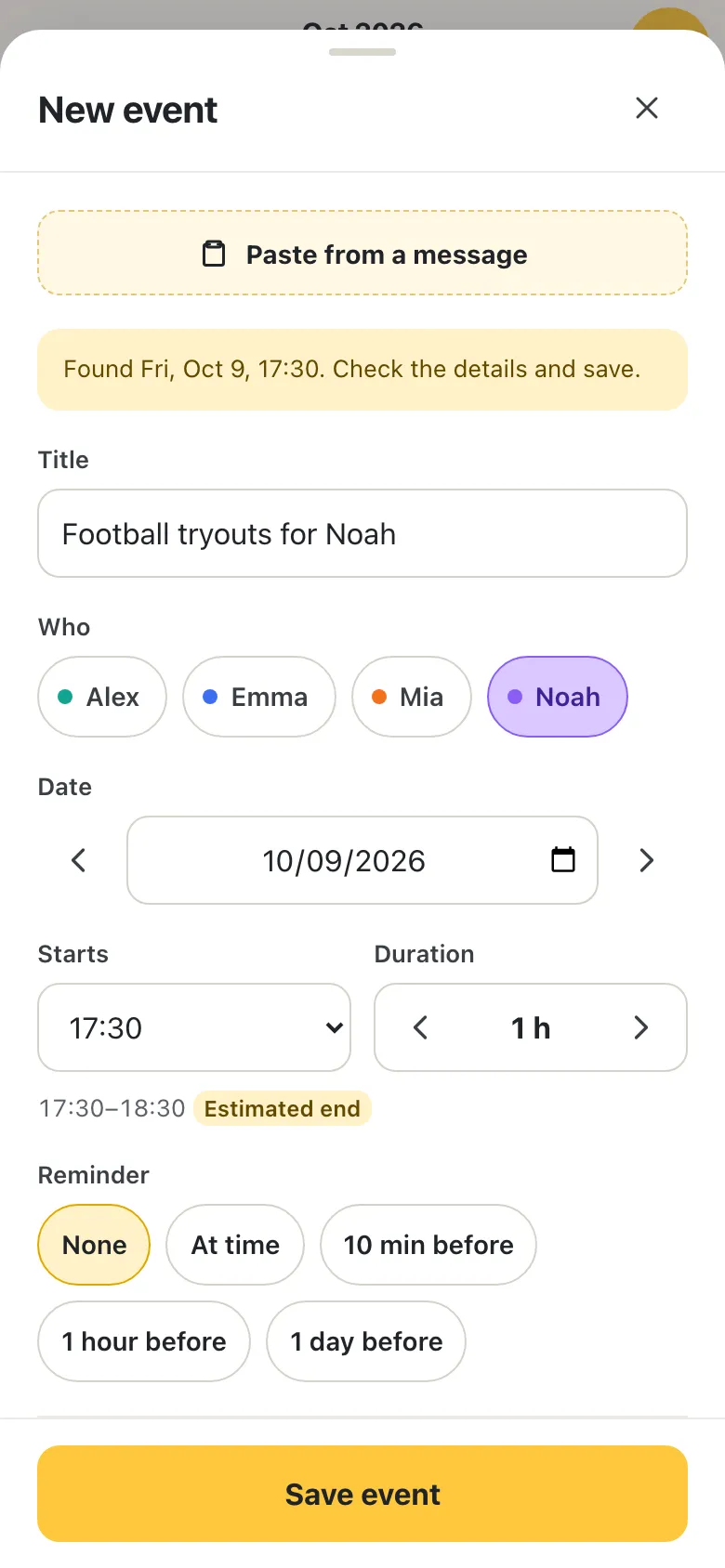
ScreenshotsPhotosPDFsMessagesA plan comes to mind while you’re out, or a phone call sets up a new one? Open WeePlanner, tap and say it, like “Mia swimming Thursday 5 pm”.
-
2See it.
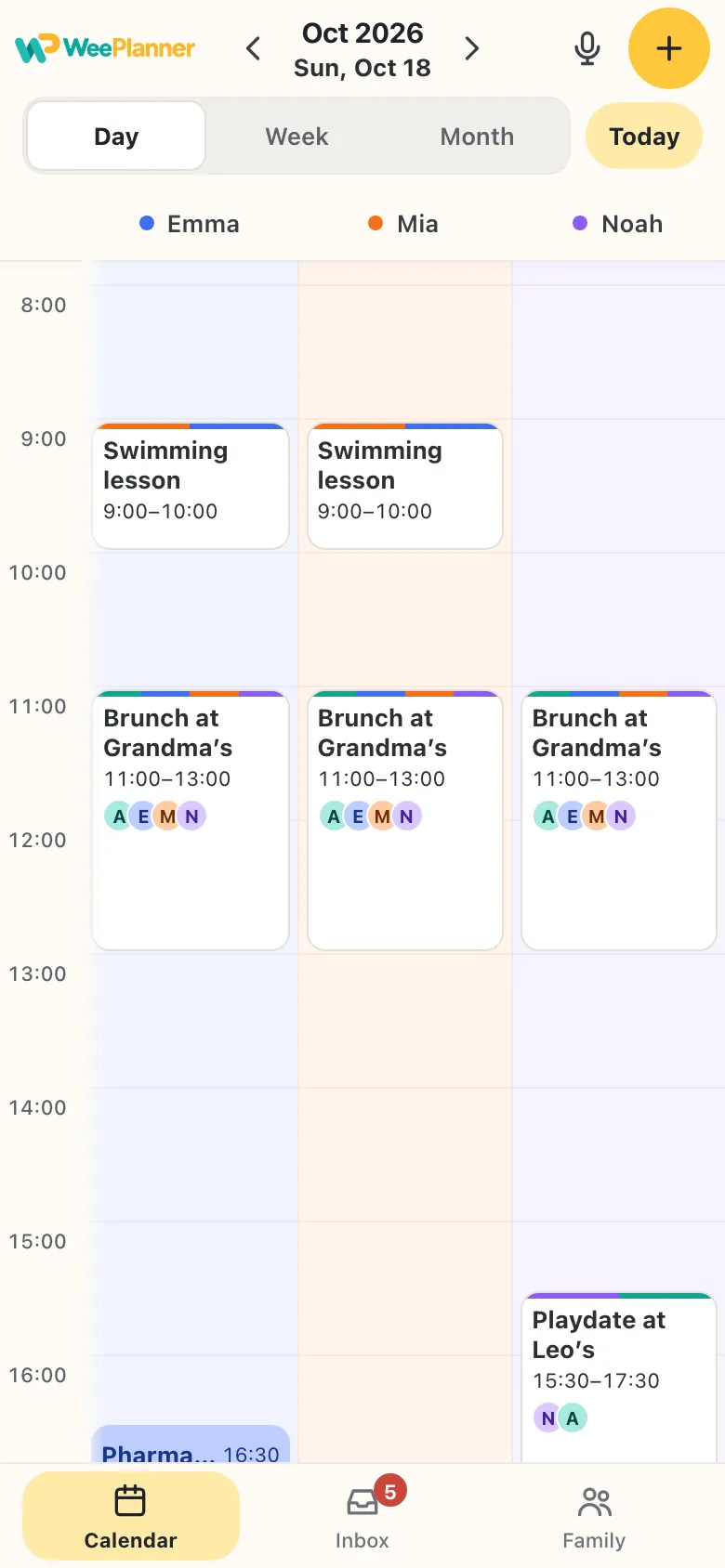
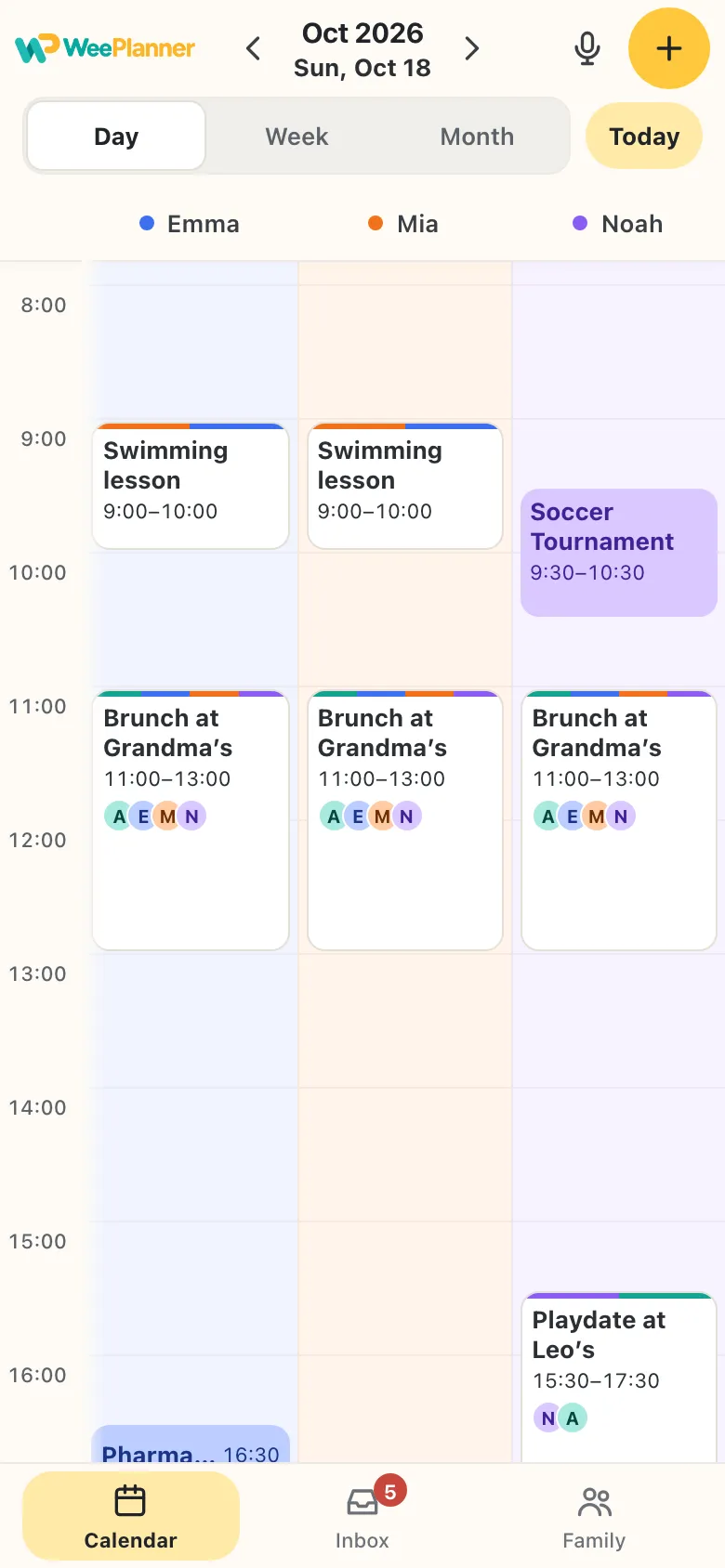
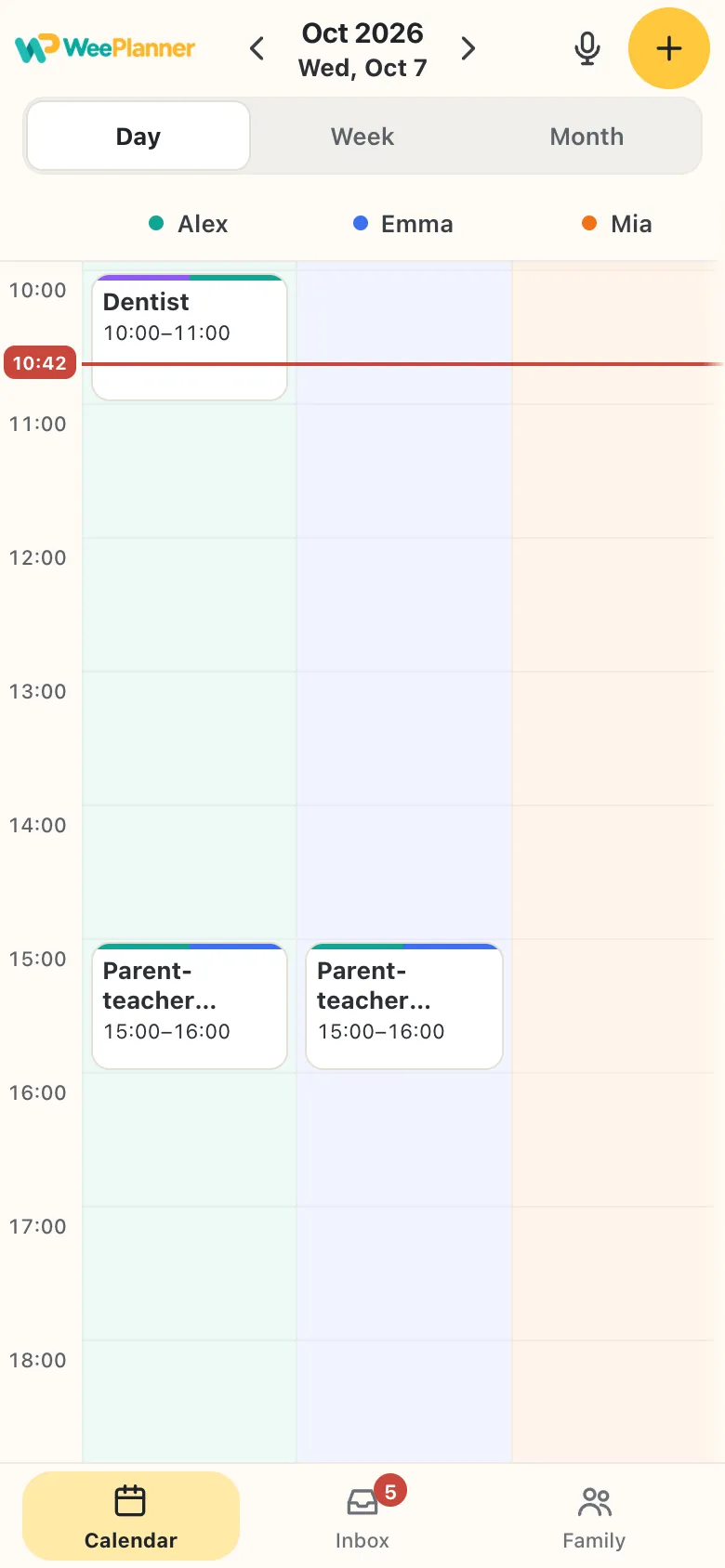
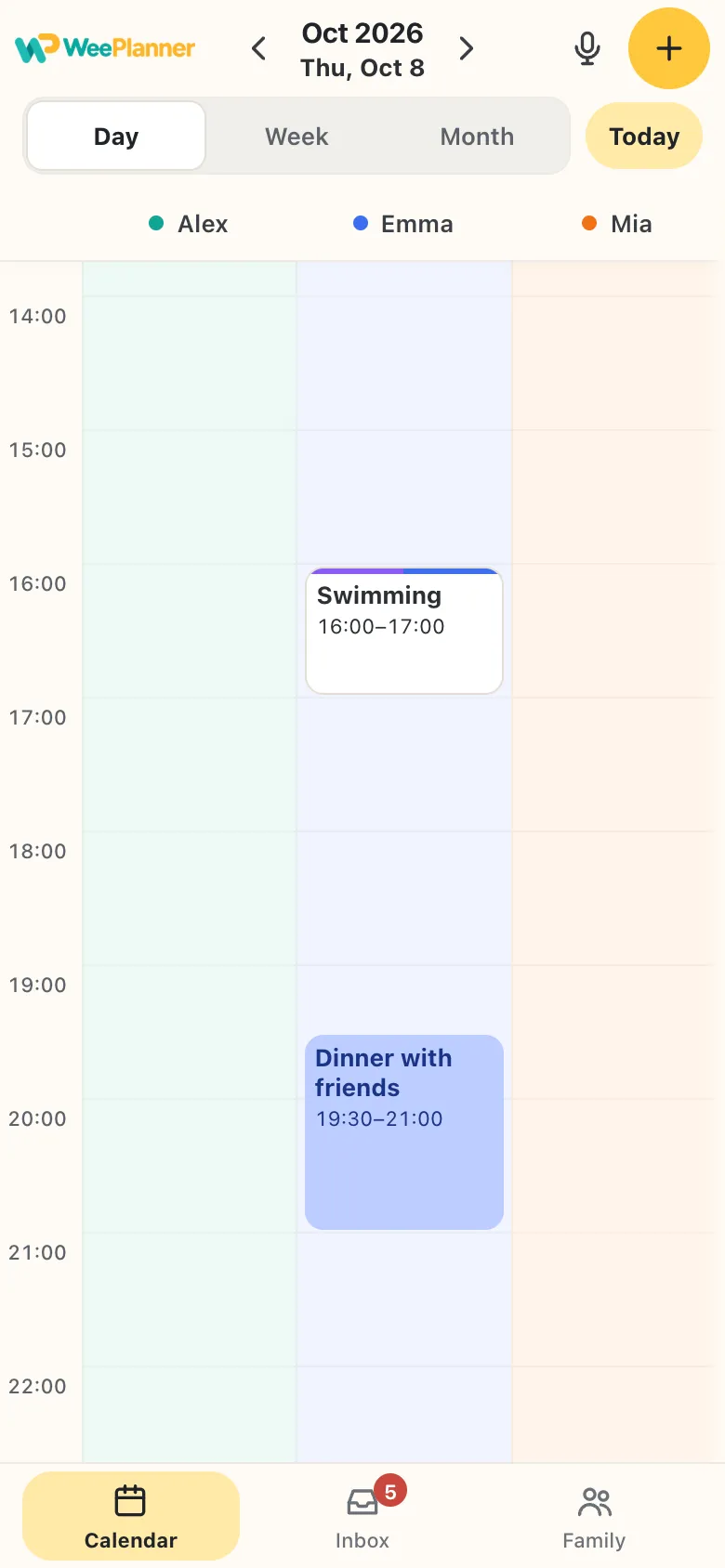
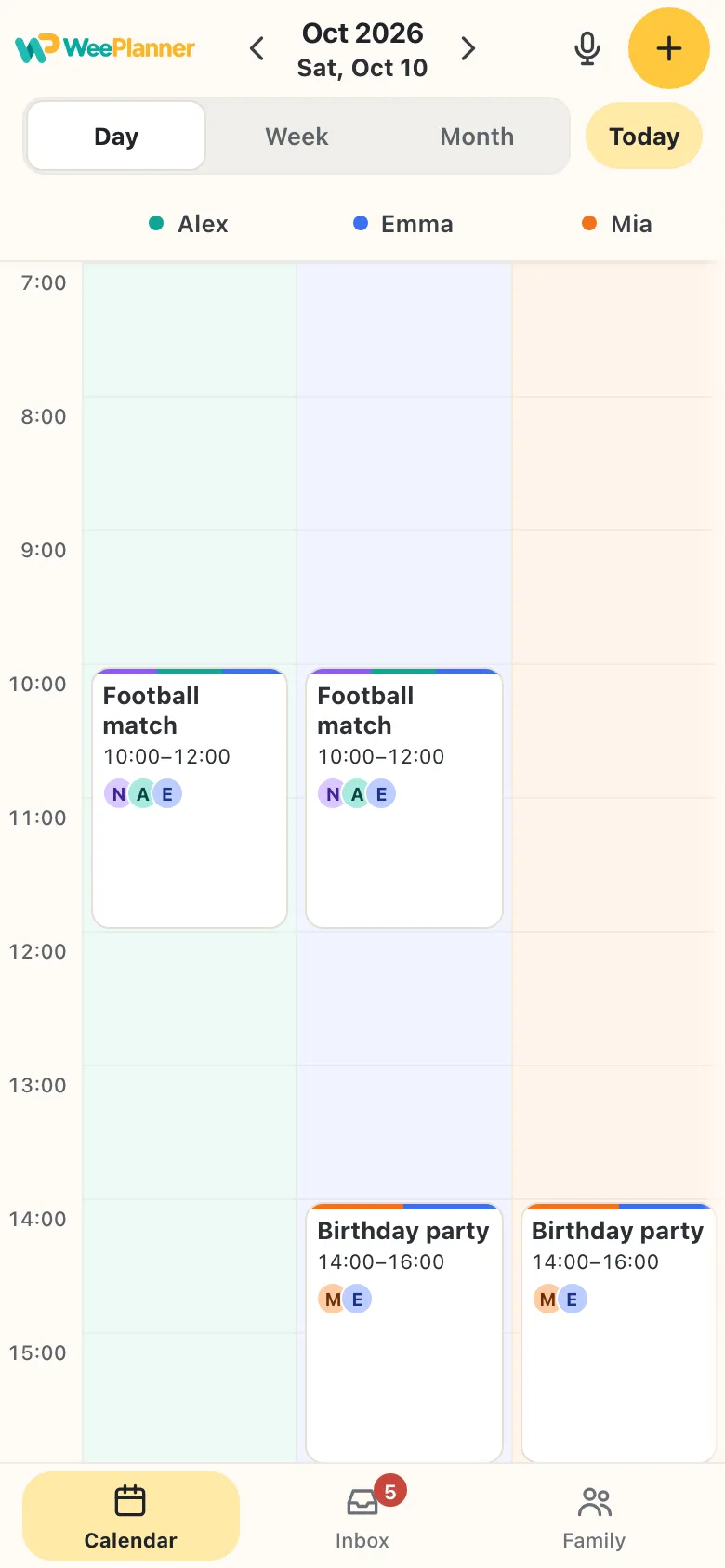
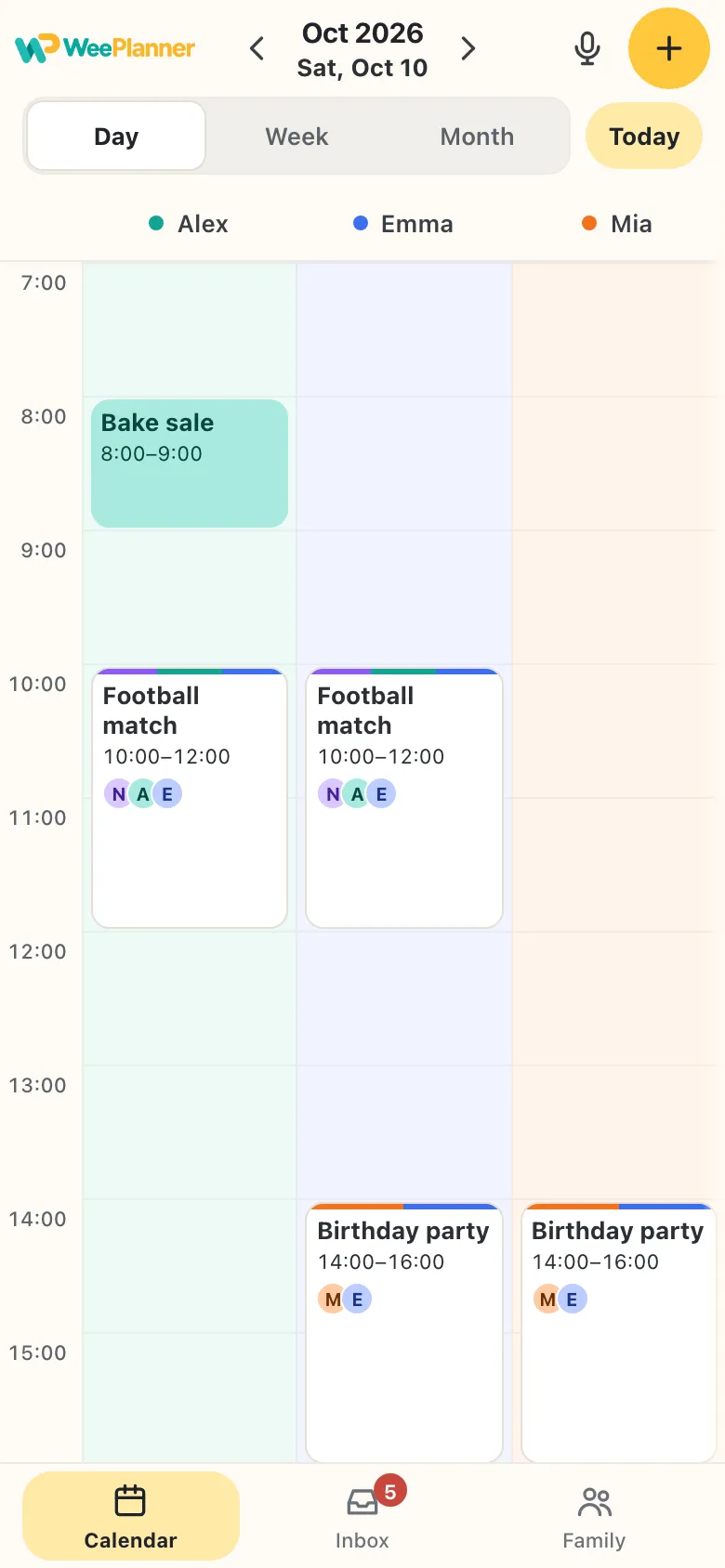
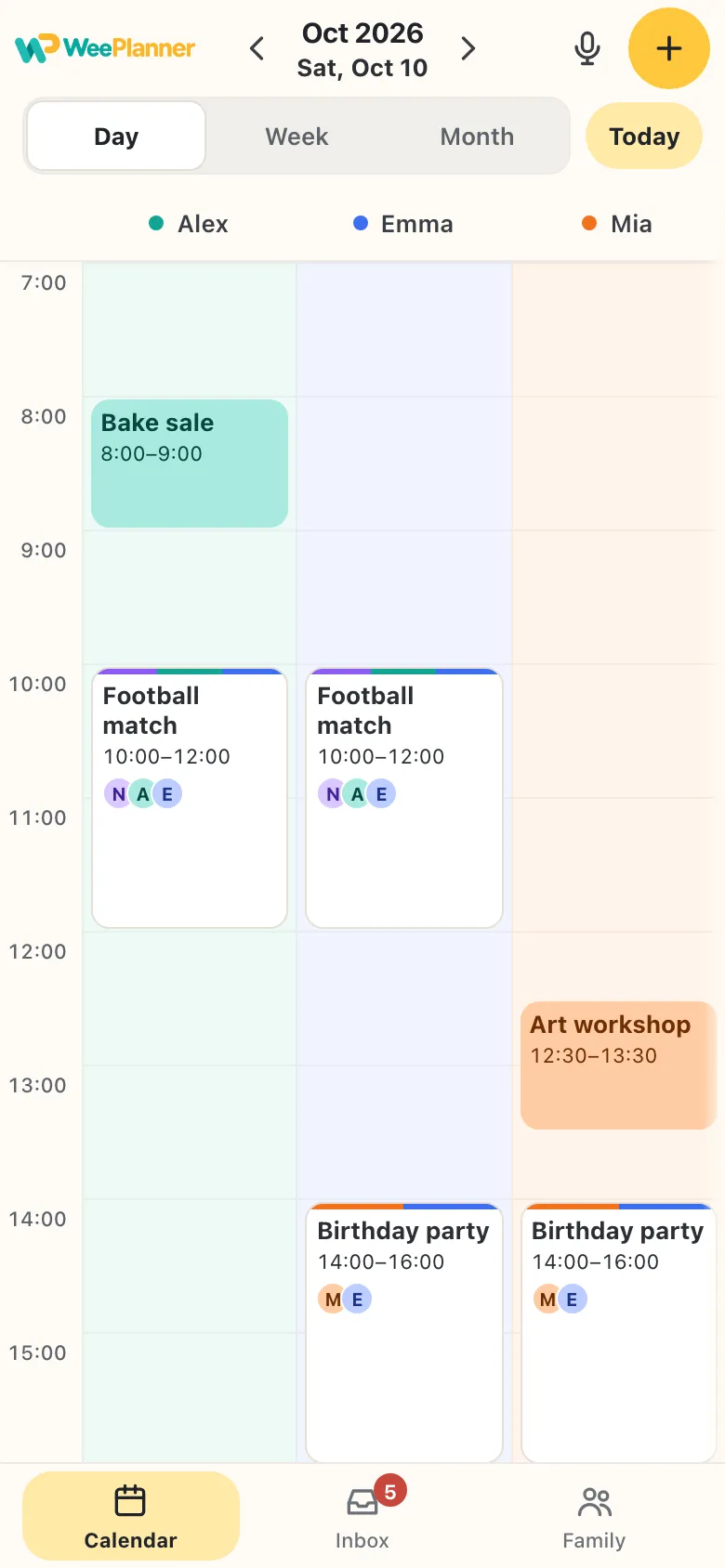
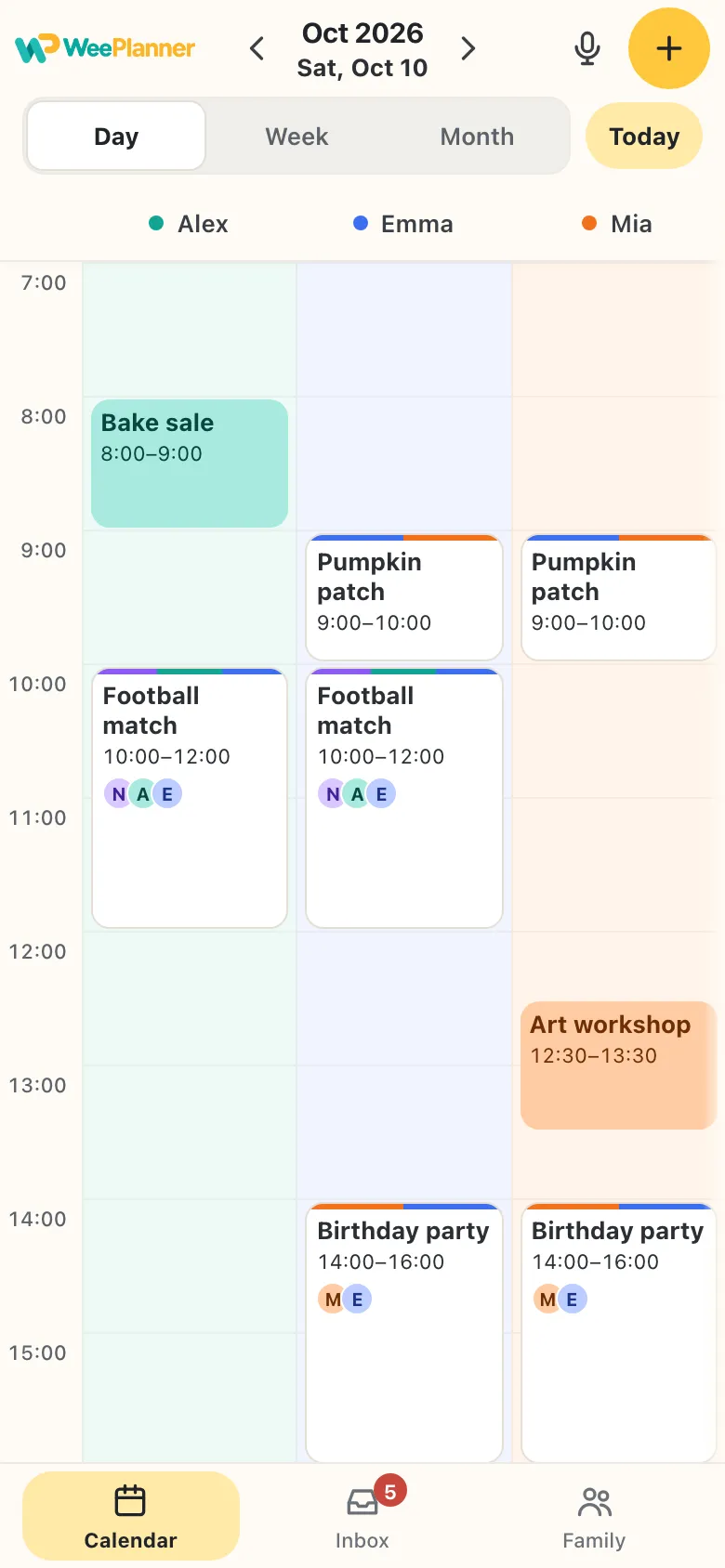
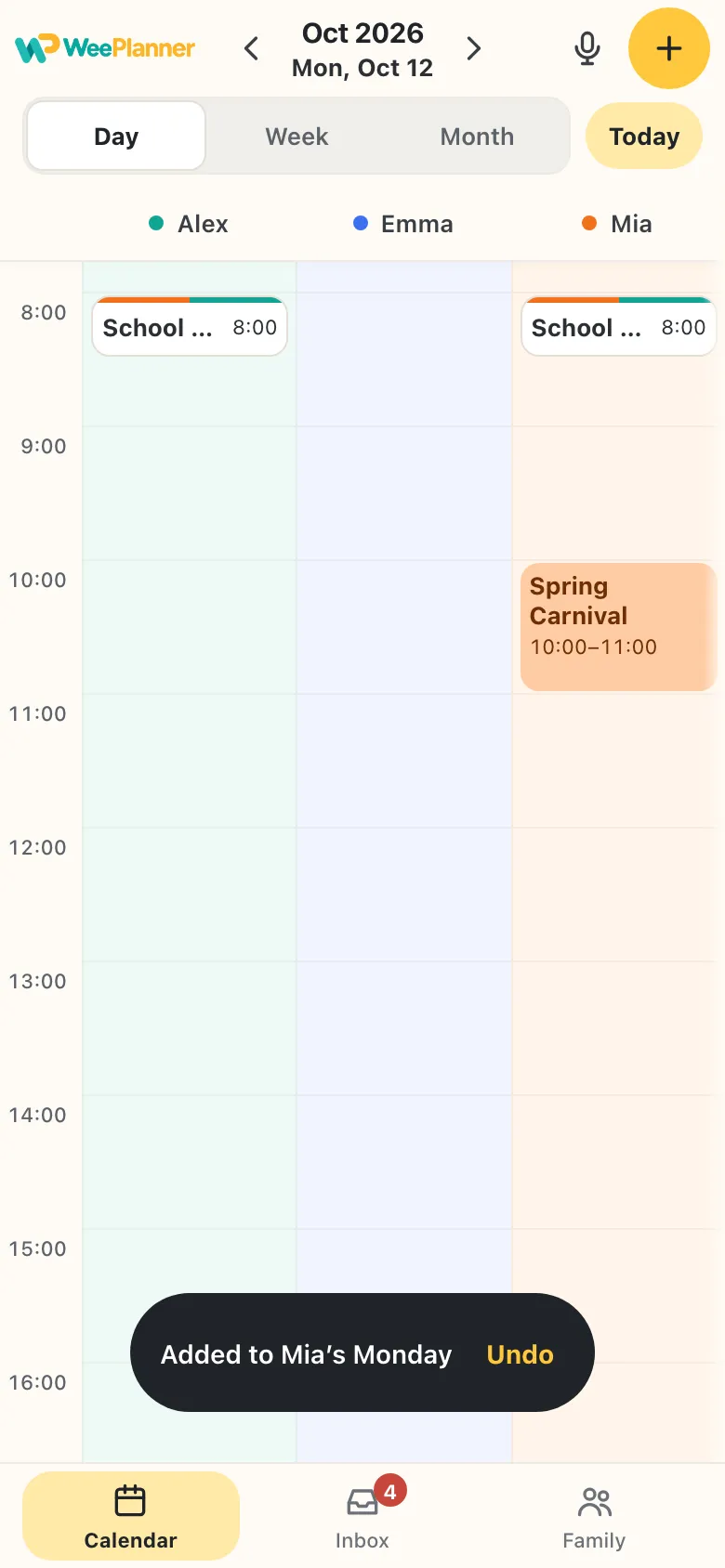
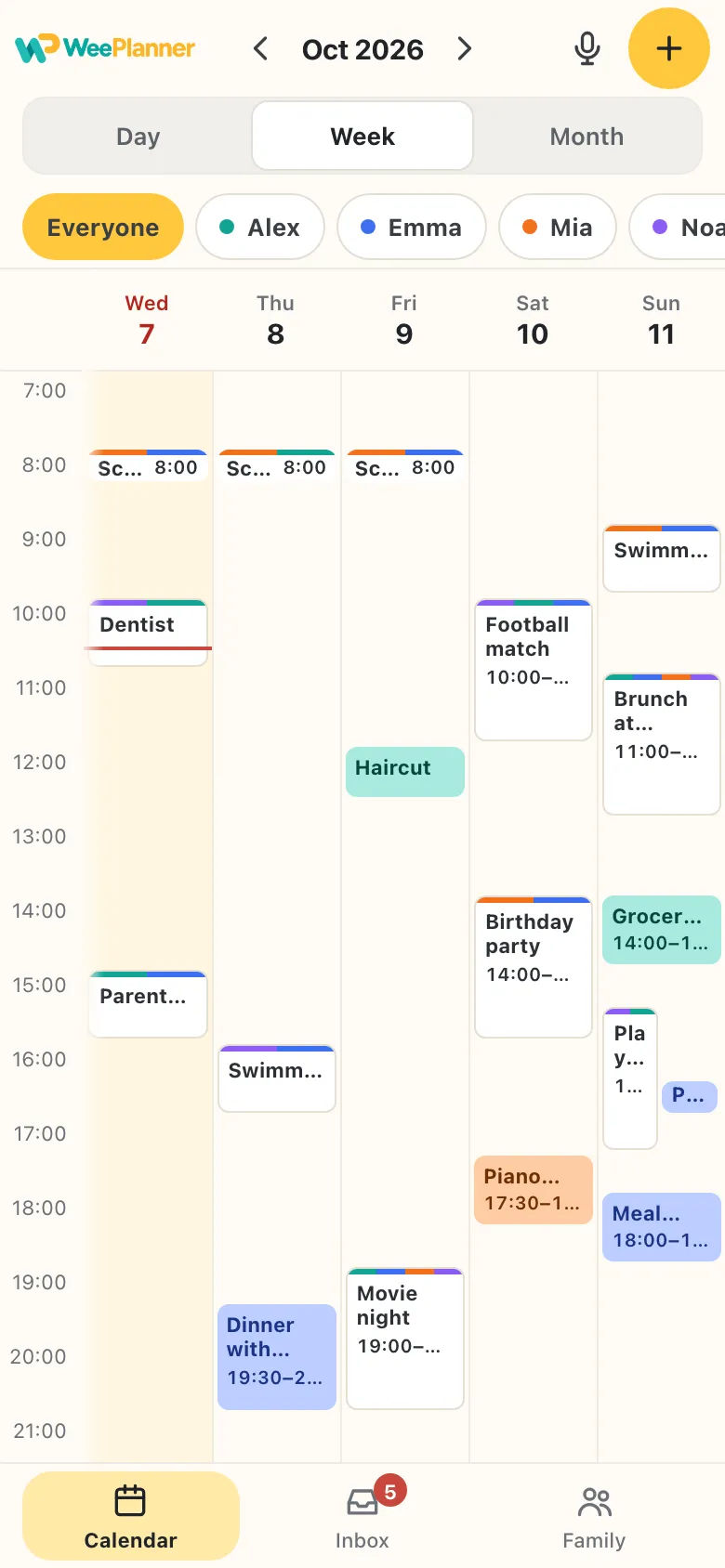
Everyone’s plans come together in one family calendar on this device.
Know who’s doing what — and what’s coming next.
Not everything has a date yet.
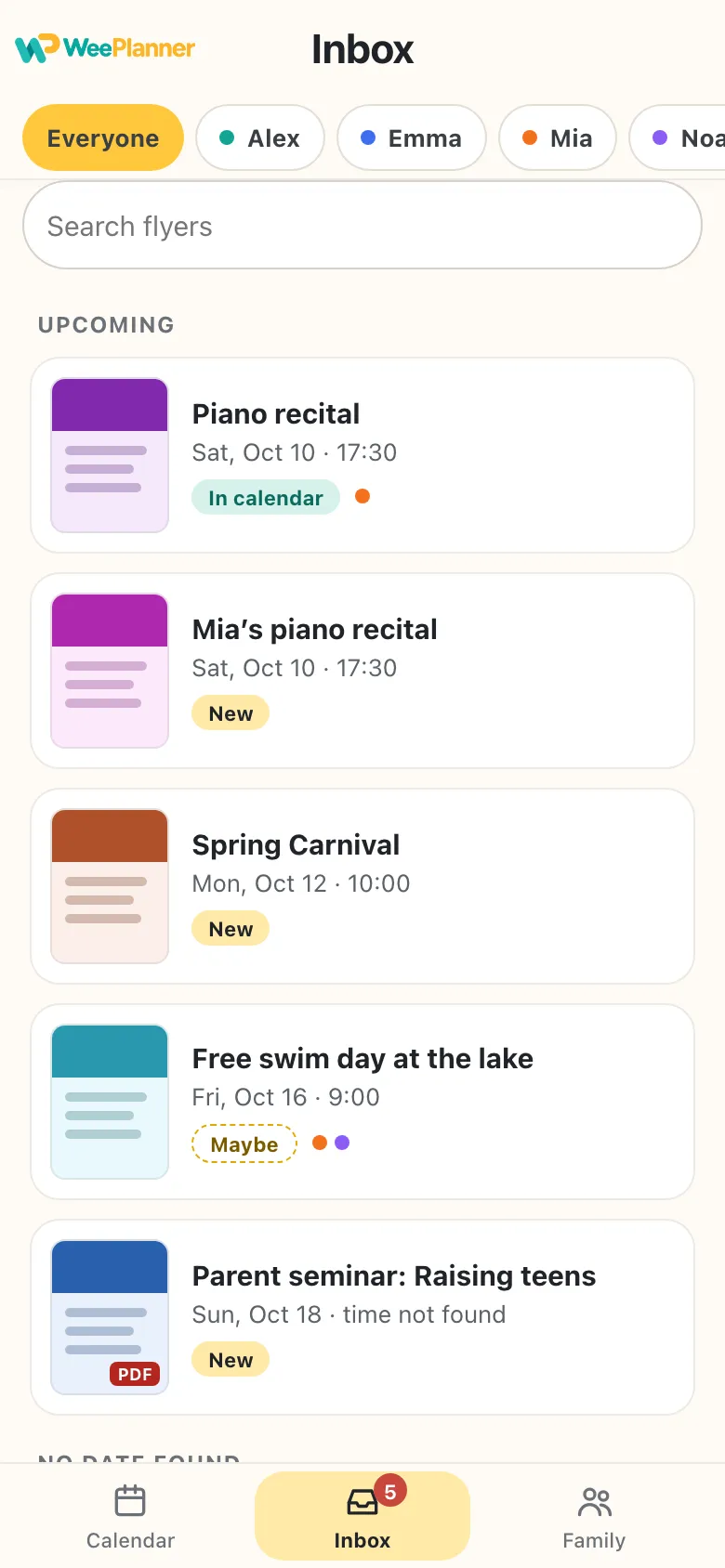
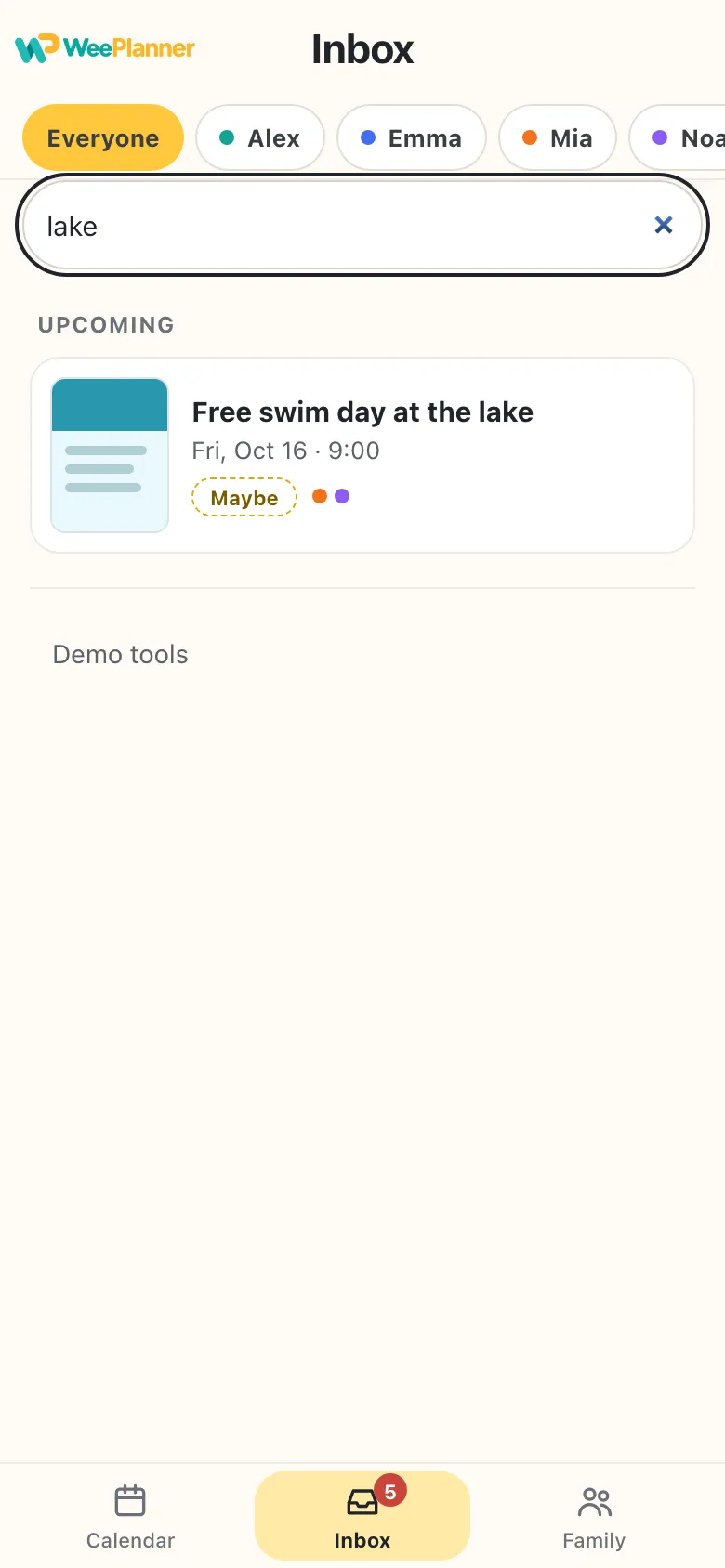
Every flyer you share lands in the Inbox, so nothing gets lost in a group chat. When it’s in the calendar, its card follows the event.
- Filter by personSee just the flyers for Mia, or for Noah.
- Search the text“Where was that lake day?” Type lake and it’s there.
- New, Maybe, In calendarKnow at a glance what’s still waiting. No date yet? It waits under No date found.
Your saved originals stay in the Inbox until you delete them. Deleting a calendar event returns its flyer to New.
Don’t take our word for it. See it for yourself.
Meet a sample family: Alex, Emma, Mia and Noah. Here’s how a week comes together.
Your words are turned into text on your iPhone or iPad. The audio never leaves it.
Your family’s plans, together.
Give everyone a color. See who’s doing what, and keep your family’s plans organized on your iPhone or iPad.
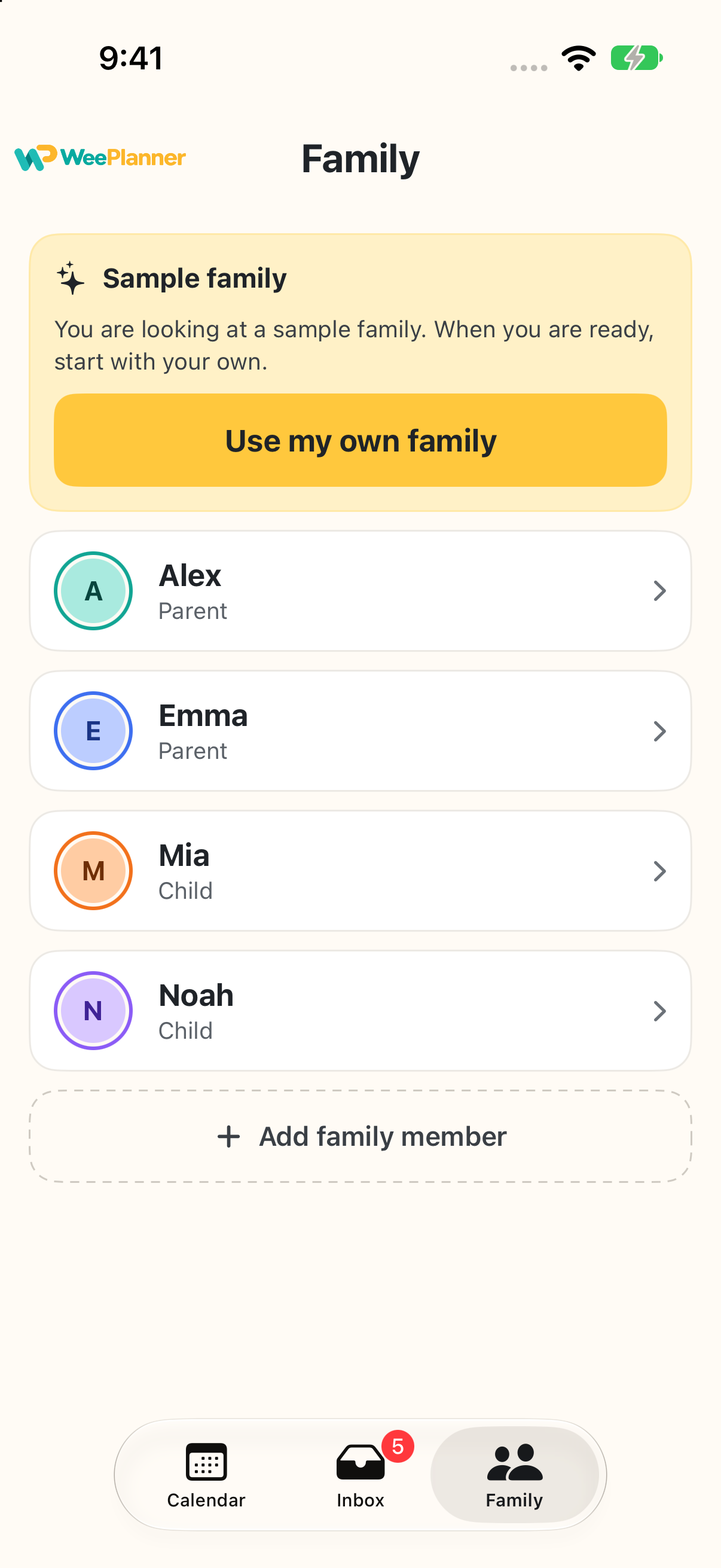
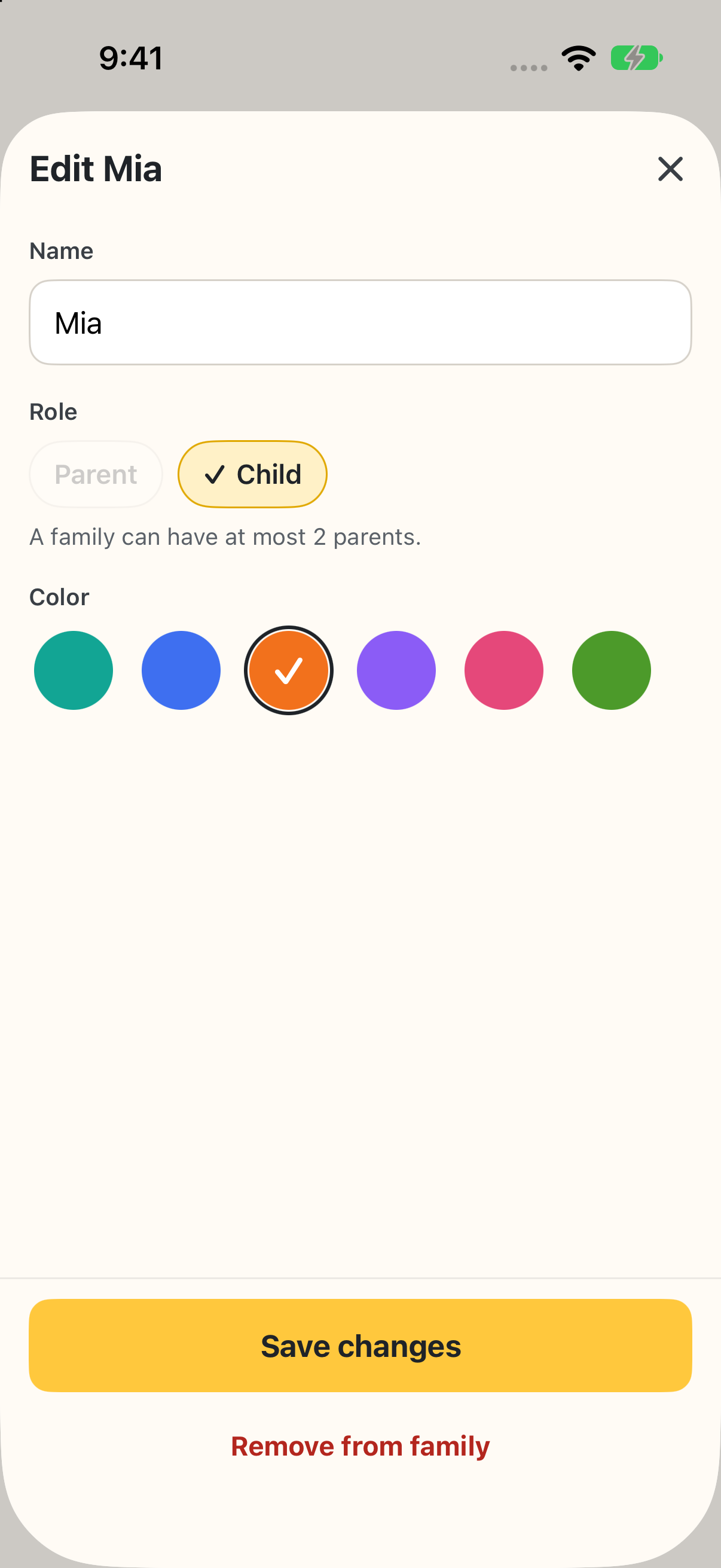
- A color for everyoneParents and kids each get their own column and color.
- Kids don’t need a phoneAdd them as profiles and manage their plans yourself.
- Easy to updateAdd family members, change their names and choose their colors.
Choose a reminder for each plan. Reminders arrive on this device.
Your family plans are personal.
Your calendar is saved on this device. Cloud reading, when available, is a separate step.
- Saved on this deviceYour family profiles, calendar and saved originals are stored on your iPhone or iPad.
- No account to createStart with your family or explore a sample family. No WeePlanner sign-in is needed.
- Clear about cloud readingVoice and message parsing stay on your device. Cloud reading, when available, sends a document or chosen text to a reading service.
- No ads or analyticsWeePlanner has no ads or analytics tools. Our hosting provider processes requests to deliver and protect the website.
Good questions.
The things families ask before they start.
Is WeePlanner free?
The calendar, family profiles, Inbox and local reminders are free. The current version has no subscription. When cloud reading is available, it allows up to 10 successful readings per calendar month and 5 in the last 7 days on this device. Document reading and “Read with AI” use the same allowance.
Which devices does it work on?
WeePlanner is being prepared for the App Store for iPhone and iPad running iOS or iPadOS 26 or later. The download link will be added here when the app is available.
Where are my plans saved?
Your family profiles, plans and saved originals are stored on this iPhone or iPad. The current version does not sync them to another device. Device backups are managed separately through your Apple settings. See our Privacy Policy.
Can my partner see the same calendar?
Not in the current version. You can organize plans for your partner and children as profiles on this device. Invitations and calendar syncing between devices are planned for a future release.
Can it read flyers and PDFs?
You can share a flyer, photo or PDF to WeePlanner and keep the original in the Inbox. Automatic document reading is still being prepared; until it is available, enter the details yourself. When available, cloud reading can prepare a draft after you share a document. You always check the details and choose who the plan is for before adding it.
Can I add a plan by voice?
Yes. A plan comes to mind on a walk, or a phone call brings a new plan? Open WeePlanner, tap the microphone and say the plan, like “Mia swimming Thursday 5 pm”. Check the date, time and person before adding it to your calendar. Your words are turned into text on your iPhone or iPad; the audio stays on your device. If you choose “Read with AI” when it is available, the message text is sent to the reading service.
Can I change an existing plan by voice?
Voice entry creates a new plan. To change an existing plan, open it and tap Edit. If the “Is this right?” card finds similar plans, “Open it” takes you to an existing plan without saving the new one; “Add anyway” saves a separate plan.
Do my kids need a phone?
No. Add children as profiles with their own name, color and calendar column. You manage their plans on your device; children do not have separate accounts or editing permissions in the current version.
Is there an Android app?
Not at the moment. WeePlanner is made for iPhone and iPad.